
Turn your training documents into immersive VR scenarios in minutes, not months
Upload your PDFs, policies, and training materials. Our AI automatically transforms them into interactive VR experiences that actually engage your employees.
Stop wasting weeks on scenario creation
The problem: Creating quality VR training content takes forever. Your team spends weeks writing scripts, months in production, and by the time it’s deployed, your policies have already changed.
Our solution: Upload your documents. Get VR-ready training scenarios in under an hour.
How it works
1. Upload Your Content
Drag and drop your training documents, policies, procedures, or compliance materials. We handle PDFs, Word docs, and text files.
2. AI Generates Scenarios
Our fine-tuned AI creates realistic dialogue, characters, and decision points based on your actual content. Every scenario is pedagogically sound and brand-aligned.
3. Deploy to VR Instantly
One-click deployment to VR headsets. Your team can start training immediately with immersive, conversation-driven scenarios.
4. Auto-Updates
When your documents change, we detect the differences and update only the affected scenarios. Your training stays current automatically.
Key Features
Immersive VR Training That Feels Real
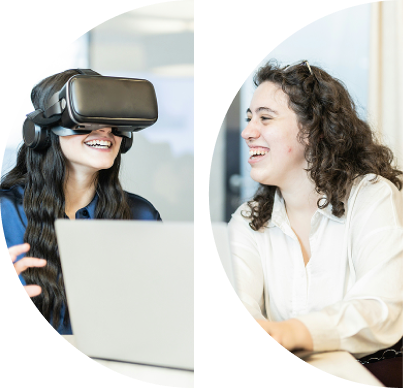
We developed a comprehensive VR training program using Unity and Motive.io platforms, creating scenario-based simulations that closely mirrored typical sales interactions at Ent Service Centers. Our approach focused on realistic practice, immediate feedback, and confidence building.
Realistic Training Scenarios: We designed lifelike sales and customer interaction scenarios where trainees practice communication, problem-solving, and selling with virtual humans. Different dialogue paths show how varied conversations can lead to diverse outcomes, effectively preparing trainees for real-life situations.
Experience as Actors, Not Observers: We streamlined the learning process, letting users concentrate on training instead of figuring out VR navigation. Trainees learn the best approaches through conversation and can explore the virtual setting independently.
Bringing Authenticity to Training: Using character personas from customer research, we made training feel more realistic. We built a training space that looks and feels just like a real Ent Service Center, making the learning experience as close to the real deal as possible.

Frequently Asked Questions
Do I need technical skills to use this?
No. Our dashboard is designed for training managers and instructional designers. If you can upload a file and click a button, you can create VR scenarios.
What file formats do you support?
PDF, Word documents, text files, and most common document formats. We’re constantly adding support for new formats.
How long does it take to generate scenarios?
Most scenarios are ready in under 30 minutes. Large document sets (100+ files) typically process in under 2 hours.
Can I customize the generated content?
Absolutely. The dashboard allows you to review, edit, and approve all generated content before deployment.
What VR headsets are supported?
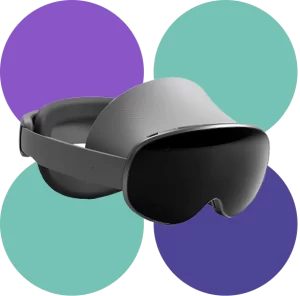
Currently optimized for Meta Quest 3.
Is my data secure?
Yes. All documents are processed in secure Azure environments with enterprise-grade encryption. We never store your content longer than necessary for processing.

Technical Architecture
Built on enterprise-grade infrastructure for reliability and scale:
- Azure Cloud Platform – Scalable processing and storage
- Advanced AI Models – Fine-tuned GPT-4o for training content
- React Dashboard – Intuitive, non-technical interface
- API – Seamless integrations with your existing tools
Ready to redefine your training?